Globe Updates
2026-03-04
CSS renderer
Canvas renderer
0. TL;DR
The original globe used layered DOM elements plus synchronized CSS keyframes. The new globe keeps the same retro visual identity, but renders through a canvas frame loop with explicit 3D math in TypeScript.
This change made the renderer easier to reason about, easier to evolve, and less coupled to complex selector/keyframe choreography.
1. Baseline: Legacy CSS Globe
From the original CSS implementation in git history, the globe used 5 nested structural layers around the wireframe plus 21 generated wireframe elements (9 latitude rings + 12 meridian lines).
Motion was driven by 4 concurrent animation tracks with pointer-driven transforms layered on top.
Strengths:
- Visual behavior was mostly declarative.
- Individual layers were easy to inspect in DevTools.
- Styling changes were quick for simple cases.
Limitations:
- Renderer behavior was split across many selectors and keyframes.
- Coordination across axes and wobble layers became harder to maintain.
- Adding new rendering effects meant adding more DOM/CSS complexity.
2. New Canvas Renderer Architecture
The new approach keeps React in charge of controls and interaction, then delegates frame drawing to a dedicated renderer.
2.1 System Flow
sequenceDiagram
  autonumber
  participant Input as Pointer + Controls
  participant React as RetroGlobe.tsx
  participant RAF as requestAnimationFrame
  participant Runtime as runtimeRef + controlsRef
  participant Render as renderRetroGlobeFrame
  participant Math as rotate/project
  participant Draw as Canvas2D passes
  participant Canvas as Composited frame

  Input->>React: slider change / drag delta
  React->>Runtime: store latest state in refs
  RAF->>React: animate(timestamp)
  React->>Runtime: integrate deltaSeconds into rotX/rotY/rotZ/wobble/bandPhase
  React->>Render: renderRetroGlobeFrame(ctx, input)
  Render->>Math: rotatePoint(...) per sample
  Math-->>Render: 2D projected points
  Render->>Draw: shell contour + latitude/longitude grid
  Render->>Draw: gated light bands (core + glow)
  Render->>Draw: vignette + palette composite
  Draw-->>Canvas: pixel updates
  Canvas-->>RAF: present frame and request next tick
This is the general JavaScript canvas pattern: collect input state, advance runtime state by frame time, run transform/projection math, then issue layered draw passes.
2.2 React Shell Responsibilities (src/app/RetroGlobe.tsx)
RetroGlobe.tsx now acts as the orchestration layer:
- Tracks user control state (
lineWidth,lineDensity, axis speeds, wobble, band speed, pause). - Stores mutable runtime rotation state in refs for smooth frame updates.
- Handles drag/touch input and maps it to user rotation offsets.
- Syncs canvas backing resolution to element size and DPR.
- Calls
renderRetroGlobeFrame(...)once per animation frame.
2.3 Render Core Responsibilities (src/lib/retroGlobeCanvas.ts)
The renderer is a clear draw pipeline:
- Apply rotational transforms in 3D.
- Project transformed points with perspective.
- Draw segmented latitude/longitude wireframe shells.
- Render gated rotating band highlights (core + glow passes).
- Finish with vignette and palette-specific compositing.
Control-speed mapping is centralized in:
speedLevelToAngularVelocitywobbleLevelToAngularVelocitybandLevelToAngularVelocity
That keeps UI controls and motion behavior consistent.
2.4 Why This Architecture Feels Better
- Rendering logic is expressed as code stages instead of distributed animation declarations.
- New effects can be inserted into one renderer pipeline.
- Interaction and drawing concerns are cleaner to separate and test.
3. why not webgl/three.js?
three.js is massively popular, and it keeps getting more accessible.
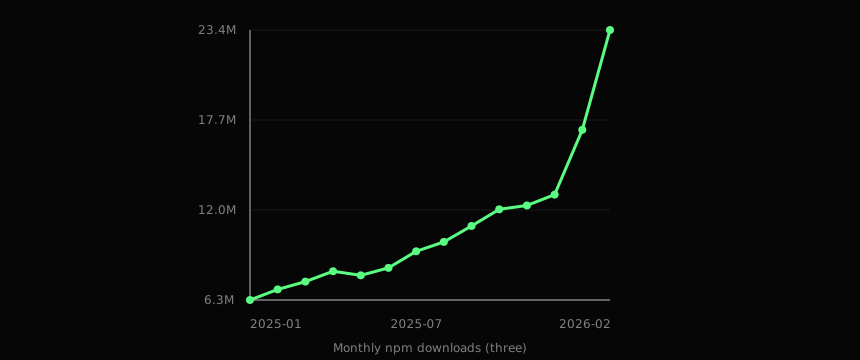
AI tooling also makes graphics workflows much easier now. That is a good thing. For example, my other project gravitylens.space is shader-first and uses WebGL-style rendering techniques directly.
3.1 Why we still kept this component on 2D canvas
- Browser/driver behavior for WebGL can vary more than Canvas2D in edge cases (context loss, power-saving modes, GPU policy differences).
- A small renderer with line work, segmented bands, and compositing does not need full GPU pipeline complexity.
- Runtime and dependency weight matters when this is one visual module inside a broader site.
- Canvas2D keeps the debugging loop simpler here: points, transforms, and draw passes map directly to code.
- We wanted deterministic behavior across the exact visual style of this wireframe globe, not a general 3D scene framework.
4. Math: transformation and projection
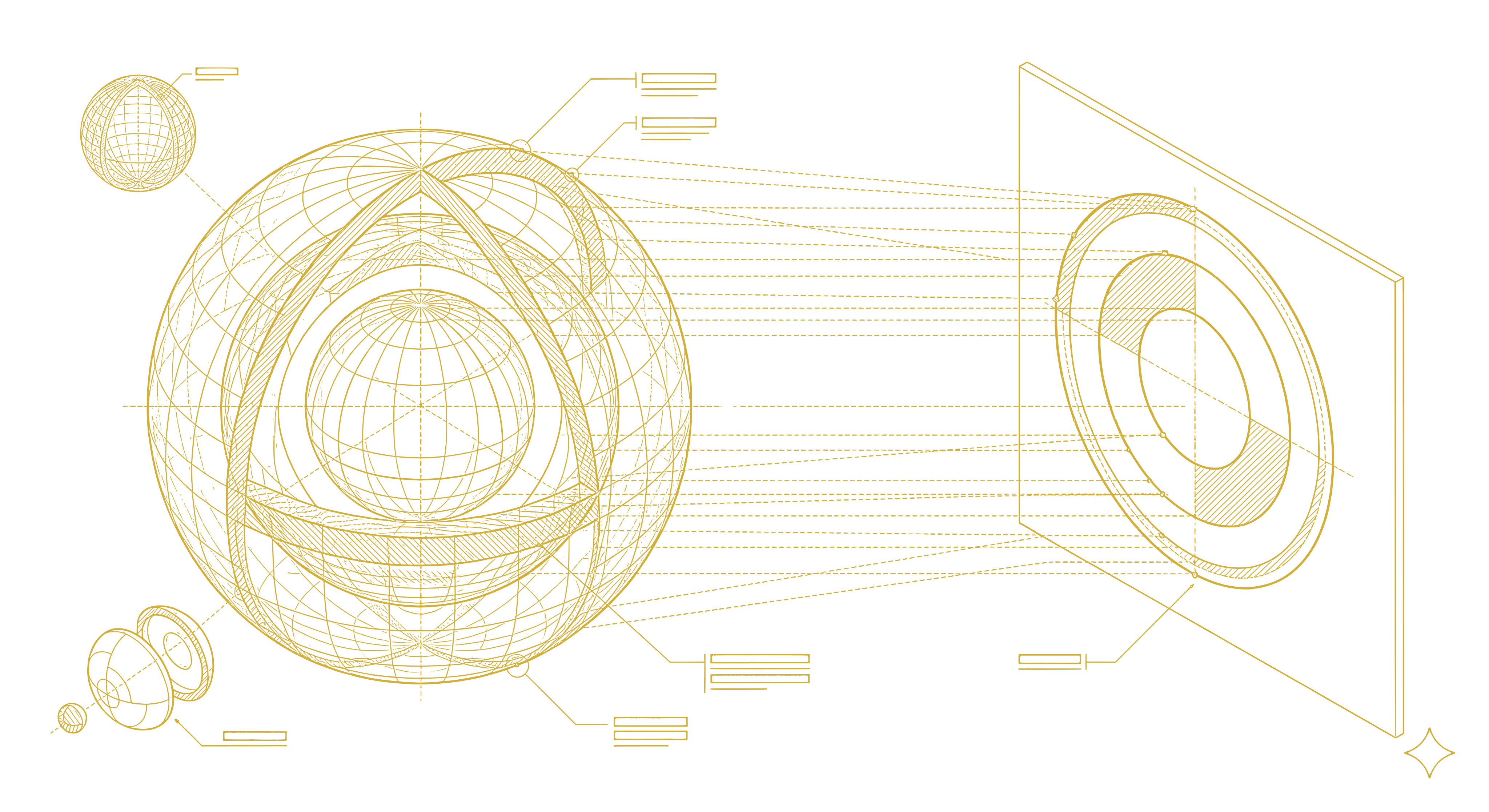 Transformation and projection flow used by the canvas frame renderer.

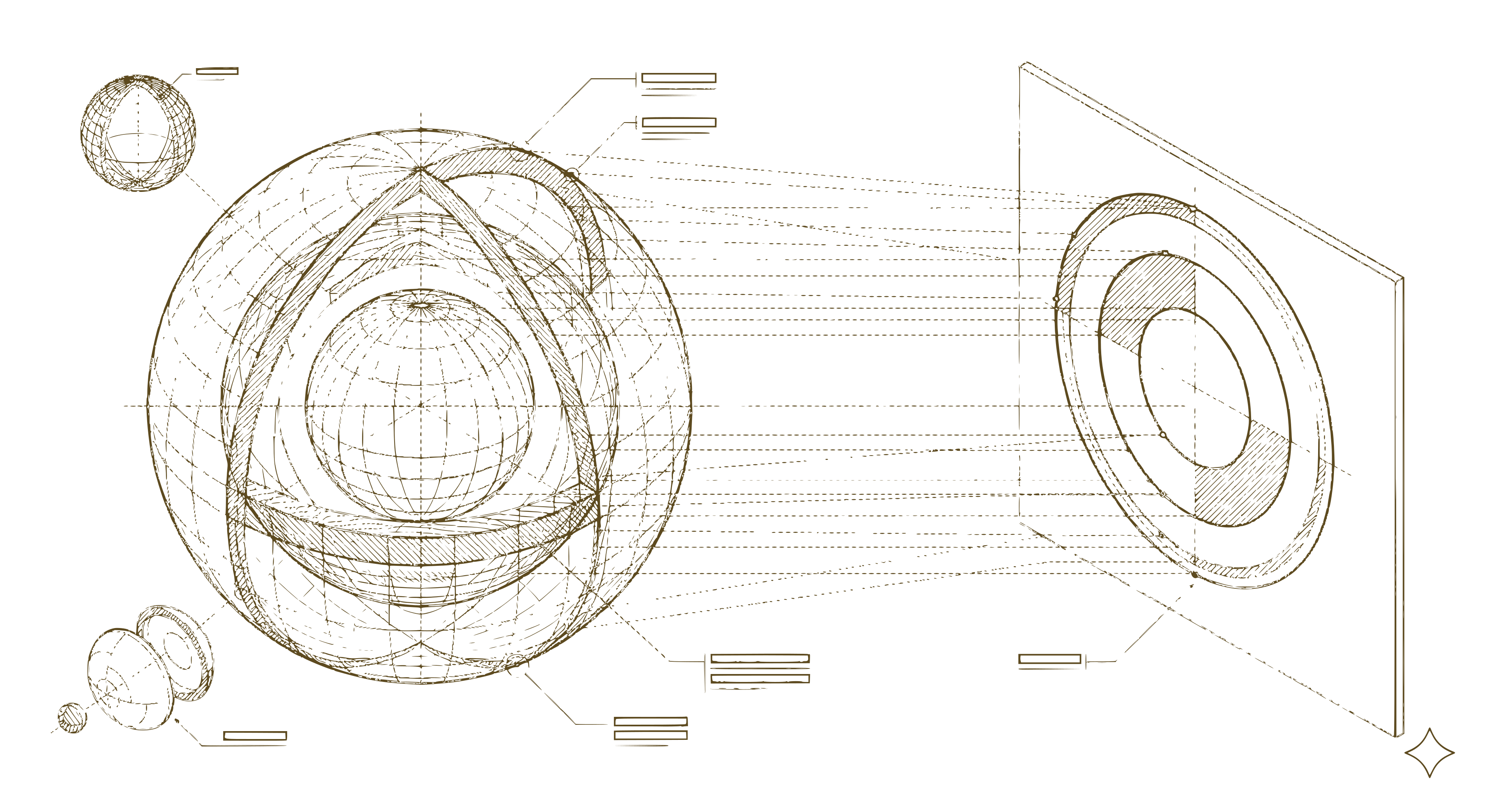
The canvas renderer is built from straightforward 3D math applied to a sphere before mapping to 2D.
Given latitude , longitude , and shell radius , a local point on the sphere is:
Rotation matrices:
The renderer applies the composed rotation in this order (matching rotatePoint):
Perspective projection with camera distance D, center (cx, cy), and clamped denominator:
Depth-based segment alpha (matching depthAlpha) is:
Speed controls are converted to angular velocity with fixed-period mappings:
This is the main loop in formula form: rotate, project, depth-gate alpha, draw layered passes, repeat every frame.
5. Why Canvas Won Here
The migration was not about replacing CSS broadly. It was about moving one rendering-heavy component into a model where behavior is explicit and programmable.
In the CSS version, the visual system was good but mechanically fragmented. In the canvas version, the sphere is one render target with one frame function and well-defined phases.
Tradeoff:
- You own more custom rendering code and math.
Payoff:
- Better long-term control over motion, layering, and effect evolution.
6. Closing
This migration kept the retro look while changing the implementation model underneath it. The result is a globe renderer that is easier to extend, easier to debug, and easier to iterate on without accumulating more structural CSS complexity.